Automatic scrolling
Start from the floating GO button and let the app move through the page while capturing frames.
Create polished long screenshots without manually stitching images together. Infinite Screenshot scrolls, captures, and builds one continuous image while you stay in control.
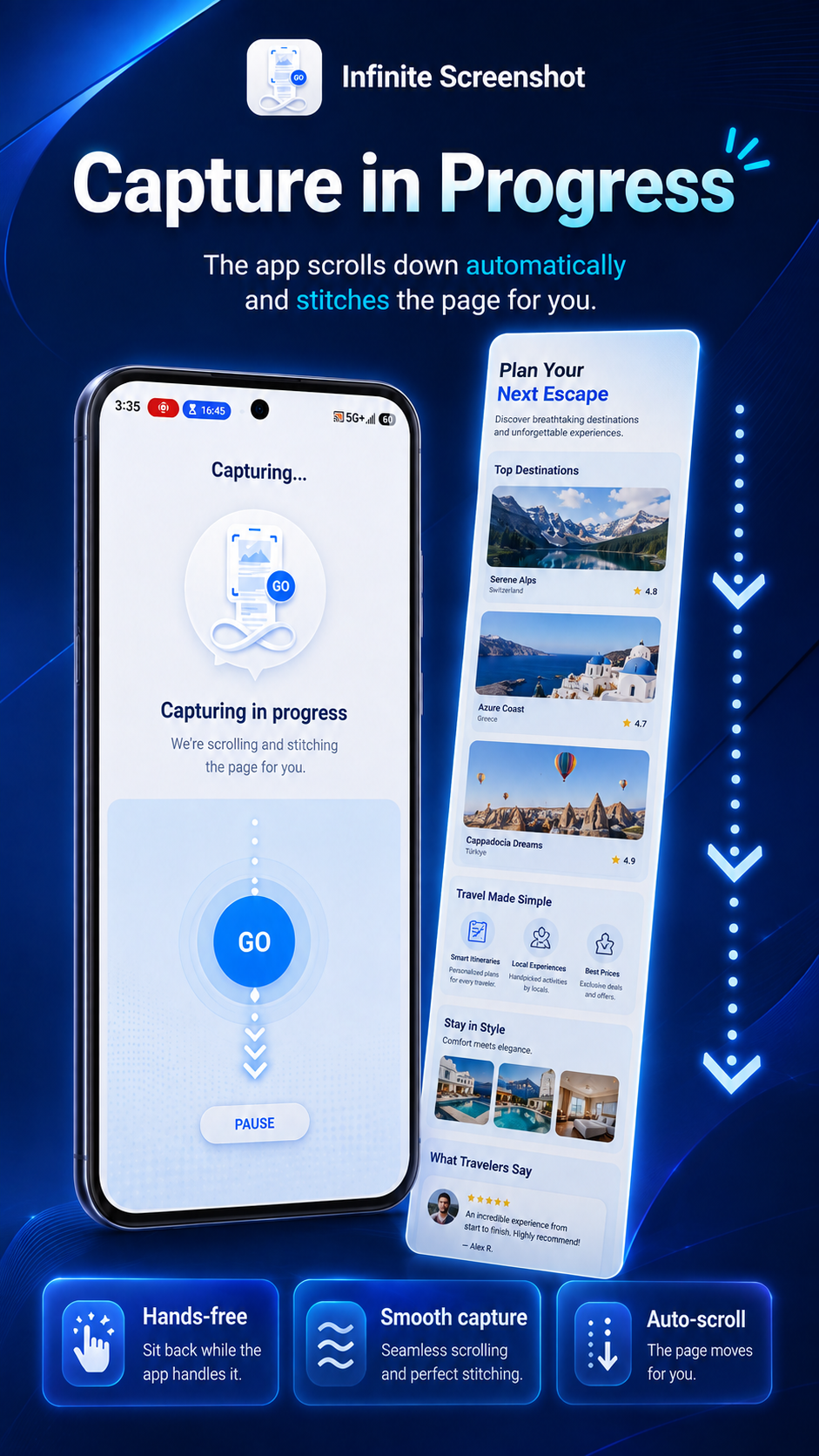
Built around a focused workflow that keeps the floating controls available while the page moves beneath them.
Start from the floating GO button and let the app move through the page while capturing frames.
Captured frames are combined into a single long JPG so the result is easier to keep and share.
Pro users can pause and resume an active capture session and fine-tune capture settings.
Review saved screenshots from the app gallery. Free users can keep up to six app-gallery items at a time.
Screenshot images are created for you and stored locally on your device; the app does not require an account.
Upgrade once through Google Play to remove ads and unlock extended capture, higher JPG quality, and advanced controls.
Enable the required Android permissions and start the floating capture control.
The floating button stays available over supported apps while the capture session runs.
Finish the session and open Gallery to view your saved long screenshot.
The app is designed to create and store screenshot files locally on your device. The developer does not operate a cloud service for uploading your screenshot contents.
The service is used to perform scrolling gestures after you deliberately start a capture. It is not intended to autonomously control your device or read unrelated content.
When you reinstall using the same eligible Google Play account, the app can query Google Play Billing and restore an acknowledged lifetime Pro purchase.
The current free version uses a banner ad on the Home screen. Pro removes ads. Advertising is provided through Google AdMob and may be subject to consent choices depending on your region.